CCTV and GDPR in Ireland: What Homeowners Need to Know
Does GDPR Apply to Your Home CCTV?
It depends on what your cameras can see. If your CCTV only records inside your home and your own private garden, with no view of public paths, roads, or neighbouring properties, you are covered by the “household exemption.” GDPR does not apply, and you have no legal obligations around data protection for that footage.
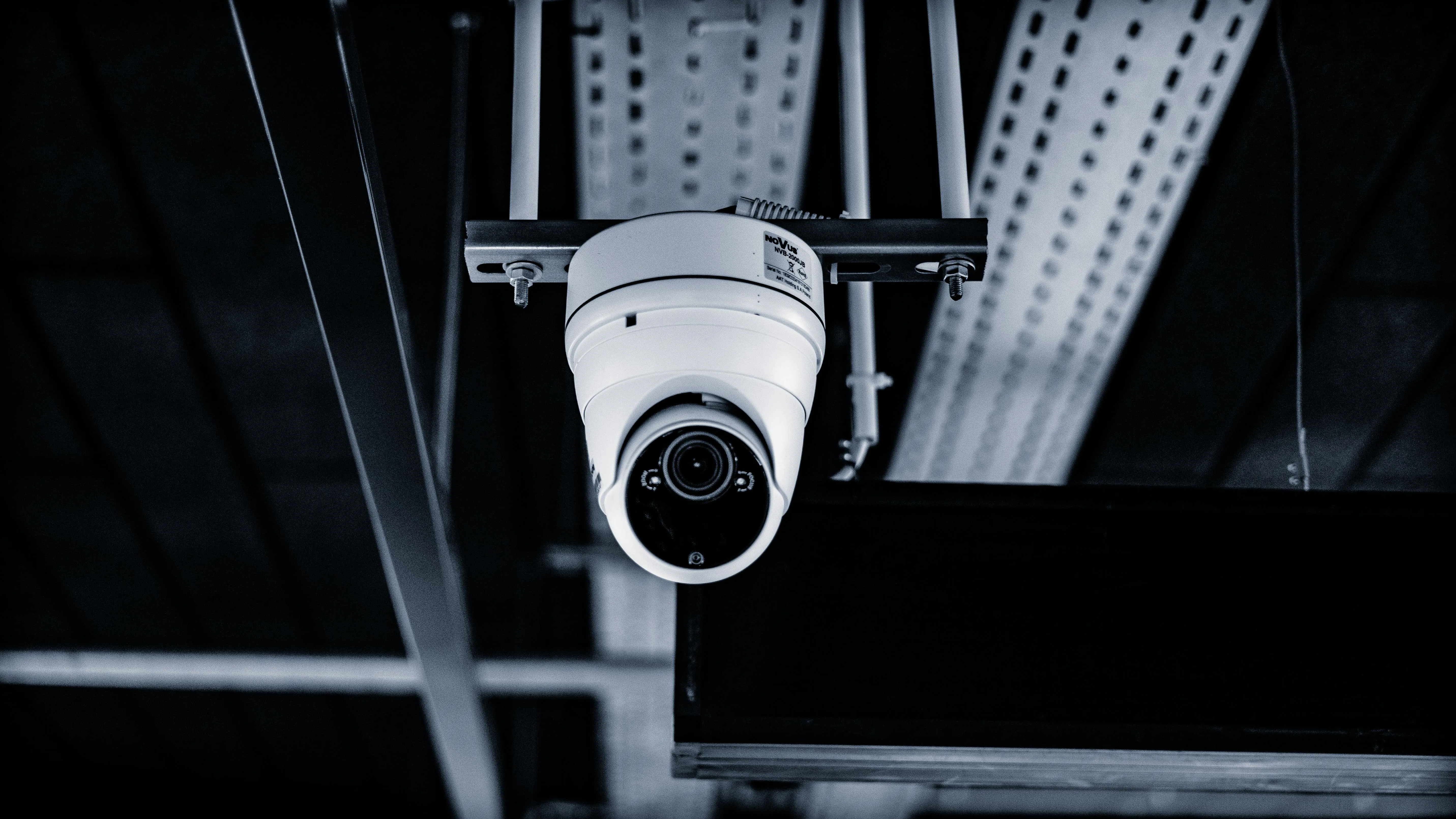
The moment a camera captures any area outside your private property, GDPR kicks in. That includes your front door camera picking up the footpath, a driveway camera catching a sliver of the road, or a side-mounted camera that overlooks your neighbour’s garden.
Most home CCTV systems in Ireland will capture at least some public or neighbouring space. If yours does, you are legally a “data controller” under GDPR. That comes with real obligations, but they are manageable if you know what to do.
For a full overview of planning a home system, see our home CCTV guide.
Do I Need a Sign for CCTV in Ireland?
Yes. If your cameras capture any area beyond your private property, you must display clear signage letting people know they are being recorded. This is a core GDPR requirement.
Your sign does not need to be elaborate. A simple, visible notice near each entry point to your property is enough. It should include:
- A statement that CCTV is in operation
- The purpose of the recording (e.g. “for security and crime prevention”)
- Your name or a contact method so someone can make a data request
- A reference to their right to request access to footage
Here is a practical example of what a CCTV sign might say:
CCTV in Operation Images are being recorded for the purpose of crime prevention and property security. This system is operated by the property owner. To request access to footage or for any data protection queries, contact [your email or phone number]. You have the right to request access to any recordings of yourself under the General Data Protection Regulation (GDPR).
You can buy pre-printed CCTV signs in most hardware shops. Just make sure the wording covers the points above. Sticking a generic “CCTV in Operation” sticker on your gate without any contact details is not technically sufficient under GDPR, though it is far better than no sign at all.
Camera Placement and Privacy
Where you point your cameras matters more than you might think. The Data Protection Commission (DPC) has been clear: cameras should be positioned to minimise the capture of areas outside your property.
Practical steps to get this right:
- Angle cameras downward to focus on your property boundaries, not the street or neighbouring gardens.
- Use privacy masking. Most modern NVRs and IP cameras let you black out zones in the camera’s field of view. If your camera unavoidably picks up a neighbour’s window, mask that area so it is never recorded.
- Avoid cameras that pan or rotate unless you genuinely need them. Fixed cameras with a defined field of view are easier to keep compliant.
- Document your camera positions. If you ever receive a complaint, being able to show that you took steps to minimise intrusion matters.
Our camera placement guide covers positioning in detail, including which areas of your property to prioritise.
Data Retention: How Long Should You Keep Footage?
GDPR requires that you do not keep personal data longer than necessary. For home CCTV, the DPC considers 30 days a reasonable maximum retention period. Some situations may justify shorter periods.
There is no hard legal rule that says “exactly 30 days.” But if you store footage for months without good reason, you are likely in breach of GDPR’s data minimisation principle.
How to set this up on your NVR
Most Network Video Recorders have a simple setting for automatic overwrite. On a Hikvision or Dahua NVR, look for “Overwrite” or “Auto Delete” in the storage settings. Set it to overwrite footage older than 30 days. The recorder will then automatically delete old footage as the hard drive fills up.
If you are using cloud-based storage (Ring, Arlo), check your plan’s retention settings. Ring stores footage for up to 180 days by default on some plans, which is far longer than recommended. Reduce it if your system allows.
The key point: set up automatic deletion and do not manually archive footage unless there is a specific incident you need to preserve (a break-in, for example).
What About Neighbour Disputes?
CCTV disputes between neighbours are one of the most common complaints the DPC receives. These situations can escalate quickly, so it is worth handling them carefully.
If a neighbour raises concerns about your cameras:
- Take it seriously. Do not dismiss the complaint. The DPC will look at whether you made reasonable efforts to address concerns.
- Show them your camera angles. Often, a neighbour assumes they are being watched when the camera does not actually cover their property. Showing them the live feed can resolve the issue immediately.
- Adjust camera positions if needed. If a camera does overlook their property, reposition it or enable privacy masking.
- Keep a record of the steps you have taken to address their concerns.
If you are the one with concerns about a neighbour’s cameras, the same process applies in reverse. Start by talking to them directly. If that does not resolve things, you can make a complaint to the DPC, who have the power to investigate and order changes.
The DPC has published specific guidance on domestic CCTV disputes. It is worth reading if you find yourself in this situation.
Subject Access Requests (DSARs)
Under GDPR, anyone captured on your CCTV has the right to request a copy of the footage that shows them. This is called a Subject Access Request, or DSAR.
In practice, this is rare for home CCTV. But if someone does make a request, here is what you need to know:
- You have one month to respond.
- The person must provide enough information for you to identify them in the footage (a date, time, and description of what they were wearing, for example).
- You must provide the footage in a commonly used format. An exported video file from your NVR is fine.
- You must redact or blur any other people visible in the footage before handing it over. You cannot share footage of person A to satisfy person B’s request.
- There is no charge for the first request.
If the Gardai request footage as part of an investigation, that is a separate legal basis and does not follow the DSAR process. You are generally free to share footage with the Gardai voluntarily.
Penalties for Non-Compliance
The penalties under GDPR are significant, even for individuals. The maximum fine is up to 20 million euro or 4% of annual turnover, whichever is higher. In practice, the DPC is unlikely to fine a homeowner millions of euro for a poorly positioned camera.
However, the DPC can and does:
- Order you to reposition or remove cameras. This is the most common outcome for domestic CCTV complaints.
- Issue formal reprimands.
- Order you to delete footage.
- Fine you for serious or repeated breaches, particularly if you ignored previous warnings.
The real risk for most homeowners is not a massive fine. It is the hassle and stress of a DPC investigation, combined with damaged neighbour relations. Getting things right from the start is far easier than fixing them after a complaint.
Homeowner CCTV Compliance Checklist
Use this checklist to make sure your system meets GDPR requirements:
- Cameras are positioned to primarily cover your own property
- Privacy masking is enabled for any unavoidable capture of neighbouring property or public areas
- Clear CCTV signage is displayed at entry points to your property
- Signs include the purpose of recording and a way to contact you
- NVR is set to automatically overwrite footage after 30 days or less
- You know how to export footage in case of a subject access request or Gardai request
- You have a basic understanding of how to handle a DSAR (one month response time, redact others)
- You have documented your camera positions and the areas they cover
If you are installing a new system, an experienced installer will typically handle camera positioning and NVR retention settings as part of the installation. It is worth raising GDPR compliance during the initial survey so cameras are placed correctly from day one.
For more on installation costs, see our CCTV installation cost guide.
Further Reading
The Data Protection Commission has published detailed guidance on domestic CCTV. You can find it on their website at dataprotection.ie. Search for “domestic CCTV” or “guidance for data controllers using CCTV.”
Frequently Asked Questions
Do I need to register my home CCTV with the Data Protection Commission?
No. There is no registration requirement for domestic CCTV in Ireland. You do still need to comply with GDPR if your cameras capture areas beyond your private property.
Can I record audio as well as video?
Audio recording raises additional privacy concerns. The same GDPR rules apply, but recording conversations (even outdoors) is more intrusive and harder to justify. Most installers recommend disabling audio recording on outdoor cameras unless you have a specific, justified reason.
Can I share CCTV footage on social media?
This is risky. Sharing footage of identifiable people without their consent is likely a GDPR breach, even if you believe they committed a crime. Provide footage to the Gardai instead. Posting it on Facebook or local community groups could result in a complaint to the DPC, and you could be found in breach.
What if my cameras only cover my own back garden?
If your cameras genuinely capture nothing beyond your own private property, GDPR does not apply to that footage under the household exemption. You have no signage or retention obligations. In practice, verify this carefully. Even a small overlap with a neighbour’s fence line or a shared laneway means GDPR applies.
My Ring doorbell captures the footpath. Does GDPR apply?
Yes. A doorbell camera that captures any public footpath or road means you are processing personal data under GDPR. You need signage, reasonable retention settings, and the ability to handle subject access requests.
How do I handle a subject access request if I have already deleted the footage?
If the footage has been automatically overwritten (as it should be after your retention period), you simply inform the requester that the footage no longer exists. You are not obliged to retain footage indefinitely in case of a request. Your automatic deletion policy actually helps you stay compliant.